

| Symptom | First action | Planning use |
|---|---|---|
| A review says the game crashed or a puzzle cannot be finished | Label it a bug and copy it into the issue tracker | Bugs go to the tracker, never into a design discussion |
| Many players struggle with the same puzzle or mechanic | Tag it as a design signal and count repeats | Sustained, consistent complaints justify a design review |
| A post is angry but names nothing specific | Mark it as venting and do not reply | Keeps noise from steering priorities |
| Bug posts are scattered across the Steam forum | Point players to one reporting route, such as an in-game form | One intake channel makes triage possible for a solo developer |
| A player proposes a specific redesign | Record the problem behind it, not the proposed fix | Players can name problems well but rarely supply the best solution |
| A post is spam, advertising or abuse | Use the forum report function | Reports are meant for problem posts, not for bugs or criticism |
The quick-reference rows draw on a player thread on a Steam game’s discussion board and a Fatshark forum thread on player feedback, so treat them as community-sourced practice rather than platform rules.
To learn how to handle player feedback indie game teams can use, sort every public comment into a bug, a design signal or noise, then treat each class differently: fix bugs, watch design patterns, and leave noise unanswered.
This routine belongs to post-launch work in indie puzzle game development. It differs from pre-release playtesting because the feedback arrives unprompted, in public, from players with mixed motives and no briefing.
Sorting feedback into bugs, design signals and noise
Every incoming review, forum post or message belongs in one of three buckets. A short daily or weekly sweep is enough for a solo developer; the point is consistency, not volume. A single sentence in a review can contain more than one bucket, so split it before filing it.
Bugs: something is broken
A bug is a gap between what the game is meant to do and what it did. Crashes, unsolvable states, lost progress and broken controls all qualify. These need reproduction details and a place in the tracker. Whether the player enjoyed the game is irrelevant at this stage.
Design signals: the game works but the experience does not
A design signal is a complaint about how the game plays when it is working as built. A player thread on the Fatshark forums argues that complaints which are high-profile, consistent and sustained probably indicate an issue with the design. A single loud post does not meet that bar. The same set of puzzles named again and again over weeks does.
Noise: venting and the impractical
The same thread notes that some criticism is valid, some is just venting and some is impossible to implement. Venting has no detail to act on. Impossible requests, such as a demand that contradicts the core mechanic, belong in the noise bucket even when they are politely phrased. Filing them there is not dismissal; it protects the design from being pulled in every direction.
- Symptom: a review mixes anger and detail. Fix: keep the detail, discard the tone, and file the detail under the right bucket.
- Symptom: you cannot tell whether a complaint is a bug or a design problem. Fix: file it as a bug first, reproduce it, and move it to design signals if the game behaves exactly as built.
- Symptom: the same remark appears once. Fix: log it and wait. One mention is a data point, not a pattern.
Managing a Steam discussion forum as a solo developer
A solo developer should keep the Steam discussion board small in purpose: a place for players to talk, with clear routes for anything that needs action. Community management here means setting expectations and moderating lightly, not answering every thread.
Give bug reports their own route
On the Steam game board in the player thread, there was no dedicated bug report sub-forum, and a player mentioned submitting the in-game form instead. That gap is a symptom worth avoiding: bug posts end up mixed with opinions, and the useful ones are hard to find. The fix is to publish a single reporting route, such as an in-game form or a pinned thread, and to ask players to use it. Anything arriving in other threads can be copied across by you.

Use the report function for what it is for
Steam’s own wording in the discussion thread says the report option is only to be used to report spam, advertising and problematic posts such as harassment, fighting or rude posts. Players who press it to flag a bug or a disliked design choice are misusing it, and a developer who reads those reports as feedback will misfile them. Treat the report queue as moderation, and send bugs and criticism through the sorting routine above.
Communicate on a schedule
In the Fatshark thread, players asked for communication, information and official polls. A solo developer can meet that cheaply: post a short status note after each patch, say what is being investigated, and run a poll when a design question is genuinely open. A poll gives a cleaner signal than scrolling threads, because every respondent answers the same question.
- Symptom: threads repeat the same question. Fix: pin a short answer and link to it instead of replying each time.
- Symptom: a heated argument breaks out between players. Fix: step in only if posts become harassment or rudeness, and use the report function for those posts.
- Symptom: players feel ignored. Fix: a brief acknowledgement that a problem is logged is better than silence, as long as it promises no date.
Triaging player bug reports
Bug report triage means deciding what to fix first, not fixing everything. The Steam thread describes a studio working through known issues in an order of deemed priority, with the latest hotfix notes and a roadmap showing where each item stood. That is a workable model for a small team: rank, publish the ranking, and work down it.
Put every bug in an issue tracker
An issue tracker can be a dedicated tool or a plain board with columns. What matters is that each bug report becomes one entry with the same fields: what happened, where in the game, how to reproduce it, and how many players have mentioned it. Entries from reviews, forum posts and the in-game form all land in the same place, so nothing depends on memory.

Rank by what breaks the player’s progress
Rank bugs by their effect on the player. For a puzzle game, an unsolvable level or lost progress sits above a cosmetic glitch, because it stops the player from continuing at all. Use the report count as a tiebreaker rather than the main measure, since a rare but severe bug may be reported by only a few players.
- Symptom: a report lacks detail. Fix: ask a single follow-up question, such as which level and what the player did just before it happened.
- Symptom: you cannot reproduce it. Fix: keep it open in the tracker, record the reports as they accumulate, and compare the details across them.
- Symptom: a fix has shipped. Fix: mention it in the hotfix notes so players who reported it can see the outcome.
Replying to app store reviews
Replies to store reviews are public, so they are written for every future reader as much as for the reviewer. Keep them short, polite and specific, and reply where a reply adds something: a confirmed fix, a pointer to the reporting route, or a plain thank you.
Match the reply to the bucket
- Bug review: acknowledge the problem, say it is logged, and point to the reporting route. Update the reply after a fix ships.
- Design complaint: thank the player and explain the intent of the design in a sentence. Do not promise a change on the strength of a single review.
- Venting review: leave it alone. A reply to a post with nothing to act on invites an argument that other readers will see.
A reply to a bug review is also a filing step. Copy the report into the issue tracker before writing the reply, so the promise in the reply is backed by an entry you can find later.
Turning themes into priorities
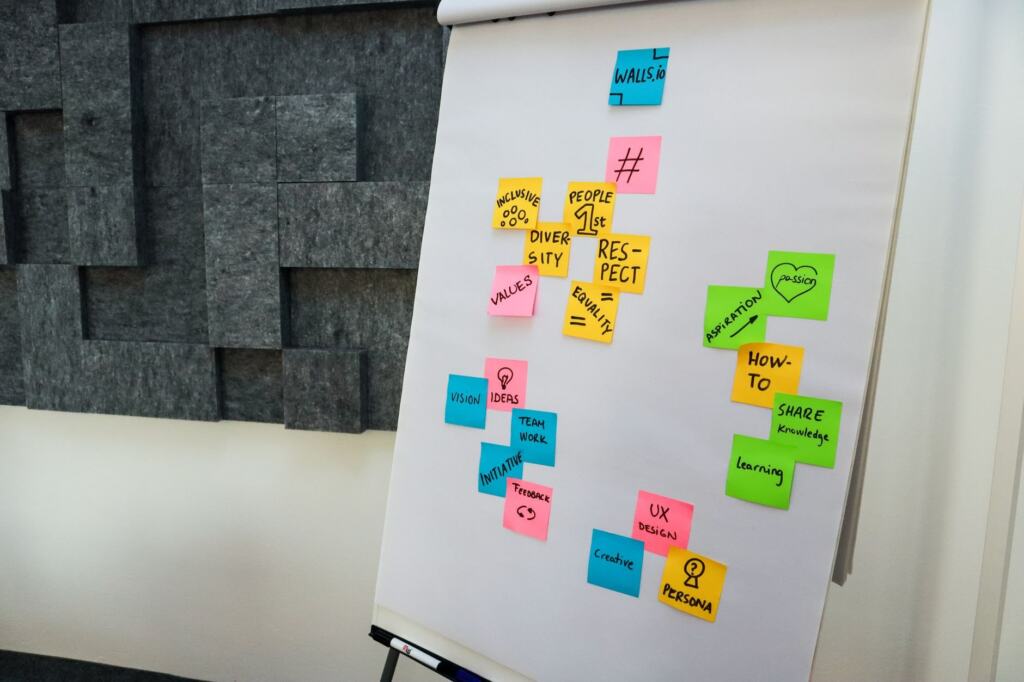
Once feedback is sorted, group it by theme so the pile becomes a short list. A spreadsheet or a tag board both work: one row per remark, a column for the bucket, and a column for the theme, such as a particular level, the controls or the difficulty curve.
Read the pattern, not the proposal
The Fatshark thread makes the point that the community can address the problem but, in most cases, not offer the best solution. When players suggest a fix, record the problem they describe and decide the remedy yourself. A theme that stays high-profile, consistent and sustained is the one to carry into design work; a theme that fades after a patch was probably a bug in disguise.
Decide what ships next
Bugs with a severe effect go first, then design themes that keep recurring, then optional requests. When the themes point to missing content rather than flaws, the guide on how to add new levels to a released puzzle game covers shipping that content. When complaints cluster around a single intended answer, open ended puzzle design multiple solutions looks at the design question behind them.
Revisit the routine after each update. If a bucket is empty or overflowing, the intake channels need adjusting, not the player base.
Frequently asked questions
| Question | Answer |
|---|---|
| How should I handle player feedback for an indie game? | Sort each item into a bug, a design signal or noise. Fix bugs through a tracker, watch design signals for sustained repetition, and ignore venting that offers no detail. |
| How do I manage a Steam discussion forum as a solo developer? | Keep it light. Offer one reporting route for bugs, reserve the report function for spam, advertising and problem posts, and post regular updates so players know what is being handled. |
| How do I triage player bug reports? | Log each report in an issue tracker with reproduction details, rank by how badly it blocks play, and publish known priorities through hotfix notes or a roadmap. |
| Should I change the design when players complain? | Only when complaints are consistent and sustained. Use the complaint to identify the problem, and choose the remedy yourself. |