
Quick answer: To learn how to add new levels to a released puzzle game, ship them as a content update that keeps existing saves intact, unlocks the levels without resetting progress, and explains the addition in clear patch notes.
The rest of this guide covers the choices behind that update: format, save safety, build and test, store delivery, announcement and timing. For the wider production picture, see the notes on indie puzzle game development.
Choosing between a bonus level, a level pack and an episode
A content update is any patch that gives existing players something new to play, as opposed to a bug-fix patch. For puzzle games the decision comes down to how many levels you have ready and how they relate to the existing progression. Three formats cover most cases.
- Bonus level: a single extra challenge added to the current game. It suits a studio with very little new content that still wants a reason to bring players back.
- Level pack: a themed group of levels that appears alongside the existing ones. It suits a game with a flexible level list, where the new levels can stand apart from the main path.
- Episode: a self-contained chapter released in sequence. It suits a game with a narrative or a steadily rising mechanic set, where new levels continue the story rather than sit beside it.
Choose by asking three questions. Can the new levels be played without finishing the old ones? Do they introduce mechanics that need teaching? Can you keep making content at a steady rate? The table turns those answers into a plan.
| Format | Best suits | Save and unlock considerations | Planning use |
|---|---|---|---|
| Bonus level | A finished game that needs a small, high-interest addition | Can be gated behind an existing achievement, so it needs a flag in the save | Use it as a low-risk test of your update pipeline before a larger release |
| Level pack | Games with a level-select screen that can list extra sections | New levels need their own identifiers so old progress records stay valid | Use it when the levels share a theme and can be marketed as a set |
| Episode | Games with an ordered progression or a story | Needs a clear start condition and a record of how far each player has got | Use it when you can commit to a sequence and announce each part separately |
The bonus-level row follows a real pattern: PocketGamer’s report on Hint: It’s a Puzzle Game describes an update that added a bonus level to a game with 27 levels in its base version.
Making new levels safe for existing saves
Existing saves are the main technical risk in this kind of update. A player who loses progress because new levels were added will not care how good the levels are, so protect saves before you polish content.
Give every level a permanent identity
Store progress against a stable level identifier, not against a position in a list. If the save only remembers that the player is on a given list position, inserting levels anywhere but the end shifts everything. Append new levels, or insert them with identifiers that never reuse an old one. This is engineering reasoning rather than a platform rule, but it is the cheapest way to stay compatible.
Decide how the new content unlocks
Pick the unlock rule before building the levels, because it decides what the save must record. The Hint example shows one option. According to PocketGamer, its bonus level was unlocked by beating the game and uncovering its hidden ending, and it was co-designed with a highly skilled player as a reward. That kind of gate suits a challenge level aimed at experts. A pack for newcomers should instead be open as soon as the player has learned the basics.
Test the upgrade path, not just the new levels
Keep saves from several earlier builds and load each in the new version. Cover a fresh install, a half-finished game and a completed game, since each reaches the new content differently. A completed save is the most important case, because those players are the ones most likely to return for new levels.
Building and testing the new batch
Treat the new levels as a small project with its own order of work. A level batch is easier to ship when each stage has a clear owner and a visible state, even if that owner is you.
A workable sequence looks like this:
- Fix the scope. Settle on the format and the unlock rule, then list the levels and any new mechanics they need.
- Build the levels. Make them in your level editor and keep each one’s identifier in a single list that cannot collide with older ones.
- Playtest for difficulty. Have testers who know the game confirm the new levels fit the curve, and have fresh testers confirm any new mechanic is taught.
- Test saves. Run the upgrade checks described above on a release candidate, not on the editor build.
- Prepare the announcement. Write the patch notes while the changes are fresh, then submit the build.
Keep the batch small enough to finish. Slipping a pack because of one unfinished level costs more goodwill than shipping a smaller pack on schedule. The most frequent errors in this stage are covered in the guide to common mistakes making a puzzle game.
Delivering the update on Steam and Google Play
Each store has its own submission process, so follow the current documentation for the platform rather than a remembered workflow. Store rules and categories change, and the documentation is the authority.
Steamworks
Steamworks is Valve’s developer platform, and its Development group publishes announcements to developers, such as the post titled Update to Accessibility categories. Following that feed is worthwhile for anyone shipping updates, because changes to store-facing information can affect what you should check on your page when a new pack goes out. Use the Steamworks documentation for the exact upload and release steps.
Google Play
Hint: It’s a Puzzle Game is an example of a title that is, per PocketGamer, downloaded from the Google Play Store, and its extra level reached players through an ordinary game update. That is the model to follow on mobile: players already own the game, so the new levels arrive as an update and the store’s release notes are where you explain them. Read the Google Play documentation on updates and release notes before submitting.
Matching versions across stores
If the game is on more than one store, keep the content identical and the save format the same. Releasing new levels on one platform days before another is acceptable. Releasing different level sets under the same version name leads to confused reports.
Writing patch notes and announcements
Patch notes for a level update should tell players what is new, how to reach it and whether their progress is affected. Put the new content first and the technical fixes after it, because returning players read the top of the notes and little else.
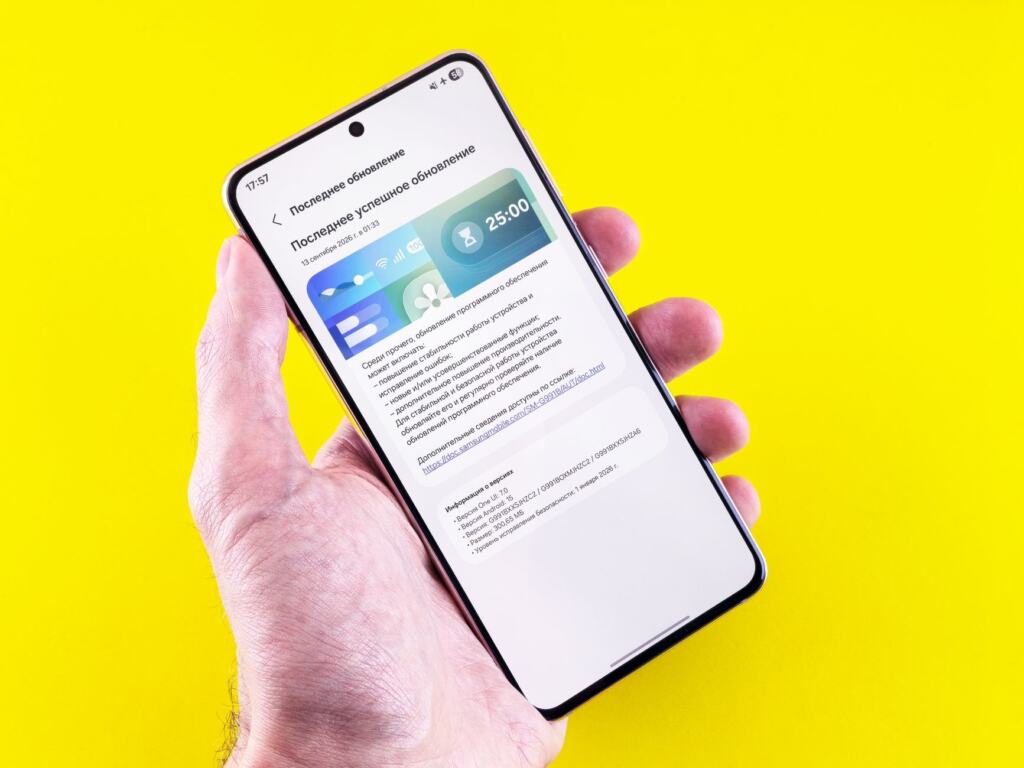
A reusable layout, with the wording adapted to your game:
- New content: name the level, pack or episode and say what unlocks it. The Hint bonus level, for example, is tied to beating the game and finding its hidden ending, and a note should say so rather than leave players guessing.
- Progress note: state plainly that existing saves carry over. This one sentence answers the most common worry.
- Changes: list any balance or interface changes that affect existing levels.
- Fixes: list fixed bugs in plain language, without internal ticket names.
Sketch the announcement around a single hook. A bonus level framed as a reward for finishers, as in the Hint update reported in September 2021, gives players a reason to return that a bare version number does not. A pack announcement can lean on theme, and an episode announcement on where the story goes next.
Announcements also produce replies. Plan how to read and sort them, using the advice on how to handle player feedback indie game teams face after a release.
Setting a release cadence
The right pace is the one your production can sustain without cutting corners on testing. No fixed interval suits every indie puzzle game, so start from how long a tested batch takes you to make and plan around that.
- Small, regular drops: suit games where levels are cheap to make and the audience likes steady content. Bonus levels and short packs fit here.
- Larger, spaced releases: suit games where each level needs heavy design and testing. Packs and episodes fit here, with an announcement for each.
- Episodes in a series: work best when you publish the order of release and then keep to it, since a missed episode date is more visible than a missed bonus level.
Do not announce dates you cannot defend. A pack that lands slightly early reads as a gift, while a promised date that slips reads as a problem. Say what is coming, name the format, and give a date only when the save tests have passed.
Troubleshooting a level update
- Players report lost progress: check whether level identifiers changed or were reused. Restore the old identifiers in a patch, and say in the notes that progress is safe once the fix is live.
- New levels do not appear: confirm the unlock rule is being met by the save and that the level list in the shipped build includes the new entries. Players who finished the game before the update are the usual affected group.
- The new pack feels too hard or too easy: re-test with players who have not seen the levels, then adjust order or add a hint rather than rebuilding the levels. If the difficulty is deliberate, as with an expert-gated bonus level, say so in the announcement.
- Players miss the announcement: move the new content to the top of the notes and repeat it in the store page text.
- Stores show different versions: hold back marketing until each store has the same level set live.

Frequently asked questions
What counts as a content update for a puzzle game?
A content update adds playable material, such as a bonus level, a level pack or an episode, to a game that is already released. A patch that only fixes bugs does not count.
Can new levels be locked behind finishing the game?
Yes. The Hint: It’s a Puzzle Game bonus level was unlocked by beating the game and finding its hidden ending, as reported by PocketGamer. The save needs to record that condition.
Should a level pack or an episode come first?
Start with a level pack if your level list can host extra sections, since it asks less of the game’s structure. Move to episodes when you can commit to publishing in sequence.
Where should I check the rules for submitting an update?
Use the Steamworks documentation and its developer announcements for Steam, and the Google Play documentation for Android. Both are the authority on current requirements for updates and release notes.