

| Disclosure or control | What it means | Planning use |
|---|---|---|
| Google Play Data safety form | Every app must complete an accurate form, even when it collects no user data. | A “no data collected” entry is a legitimate answer. Check it against the written policy. |
| Definition of “collect” | Transmitting data from the app off the user’s device counts as collection. | Look for any description of data sent to a server, not just data kept on the phone. |
| Analytics and advertising | Using data to build advertising or other user profiles cannot be treated as temporary, in-memory processing. | Expect advertising or profiling data to appear as a declared entry, not be hidden as incidental. |
| GDPR individual rights | People can access, rectify and erase their personal information. | Use these rights as the wording of any request sent to the developer. |
Figures and definitions above come from Google Play’s review wording quoted in a public developer issue and from a GDPR and CCPA comparison.
The Machineers privacy policy, read together with the Google Play Data safety section and the App Store privacy label, shows what the game collects. Compare all three before installing, then adjust permissions on your own device.
This page reads those documents the way a player would. It sits alongside the main machineers game guide, and readers who still need the basics can start with what is machineers game.
Decisions the policy and store labels support
The developer’s own policy is the document that settles what Machineers does with player data. The store labels are a summary of it, so the useful habit is to check that the two agree and then act on any gap. These are the practical choices that follow.
- Install as normal when the documents agree. If the written policy, the Google Play Data safety entries and the iOS privacy label describe the same data practices, the game is behaving as it says. Players still keep control through device settings.
- Pause when the documents disagree. A store label that says nothing is collected, next to a policy that describes analytics or advertising, is a reason to ask the developer before playing further.
- Restrict permissions after installing. A puzzle game that needs no special access can usually be run with the least permission your device allows. Grant extra access only when a feature clearly asks for it.
- Use the contact route for requests. Access, correction and deletion requests go to the developer address the policy gives. Send them there rather than relying on a store review.
- Treat family devices separately. If a child plays on a shared tablet, read the policy’s wording on children and check the device’s own controls as well.
The sections below explain the reasoning behind each choice, beginning with why a policy must exist at all.
Why a privacy policy exists and what it should name
App stores treat a privacy policy as a baseline requirement, so a game with no findable policy is an immediate warning sign. According to a mobile app privacy policy guide from TermsFeed, Apple has required every iOS app to have a privacy policy since October 2018. The same guide says a Google Play app needs one when it collects personal and sensitive information.
That guide is a secondary source rather than the platform’s own text, so treat it as a practical summary. The consequence for players is simple. A policy should be reachable from the store listing, and it should say what the app collects, why, and how to contact the developer.
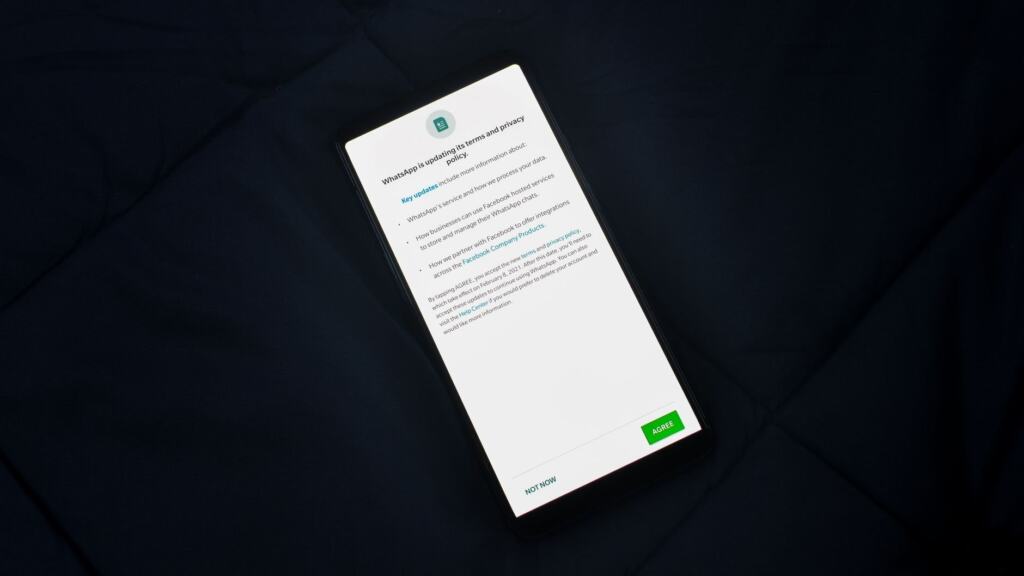
When you open the Machineers policy, scan for specifics rather than reassurance. Useful entries name the categories of data, name any third-party analytics or advertising service, explain retention and describe how to request deletion. Vague wording such as “we may share data with partners” without naming categories leaves a gap that is worth raising with the developer. The machineers official website guide explains how the developer’s own pages relate to the store listings, which helps when you are hunting for the policy link.
Personal data and the Data safety section
Whether Machineers collects personal data from players depends on what the app transmits off the device. Google Play’s wording, as quoted in a public developer issue, defines “collect” as transmitting data from the app off a user’s device. Data that stays on the phone is therefore not “collected” in that sense.
This definition is the key to reading the Data safety section sensibly. Because every app must complete the form, even when it collects no user data, a Machineers listing with no collected data is a normal and valid result. It is not evidence of missing information. Equally, a listing that does declare entries tells you exactly which categories leave the device.
What to compare on the store page
- Collected data categories. Note each category the listing declares and check that the policy explains why it is needed.
- Sharing statements. A separate entry for data shared with other parties is the most direct sign that a third-party service is involved.
- Consistency with the policy. Every category in the label should be traceable to a sentence in the policy, and the reverse.
On iPhone, the App Store privacy label serves the same purpose, so read it in the same way. The two stores use different layouts, but the question stays the same: what leaves the device, and who receives it.
Analytics and advertising tools
Analytics and advertising are the two categories most likely to turn “no personal data” into “some data”, so they deserve a dedicated check in the Machineers policy. The best evidence is a named service. A policy that names the analytics or advertising provider lets you read that provider’s own terms and decide for yourself.
Analytics tools measure how a product is used. A website policy from an unrelated company, Active Machinery Sales, describes its analytics cookies as gathering information to help understand site usage. Mobile analytics serves the same purpose inside an app, such as which levels players use or where they stop. That usage measurement is a different thing from advertising, which links activity to a profile.
Google Play draws that line in its processing rules. Data can be exempt from the Data safety disclosure only when it is processed ephemerally, which means kept in memory and not retained longer than necessary to service the specific request. Google’s guidance, as quoted in the same developer issue, adds that using data to build advertising profiles or other user profiles cannot be treated as ephemeral.
The practical reading is straightforward. If Machineers uses advertising or profiling tools, the store label should list the data involved. If the label lists nothing, those tools are either absent or not disclosed, and the policy should confirm which. A mismatch is worth a message to the developer.
Permissions and tracking on your device
The store label tells you what the developer says the app does, while your phone’s settings decide what the app can actually reach. Both Android and iOS list each installed app’s permissions in the system settings, so you can review them without opening the game. Revoking an unnecessary permission is normally reversible, which makes it a low-risk first step.
Android
Open the system settings, find the game in the app list and review its permission entries. Anything the game does not need to run a puzzle, such as contacts or location, can stay denied. Return to the same screen later if a feature asks for access and you decide you want it.
iPhone and iPad
iOS keeps per-app privacy and tracking choices in Settings. Check the game’s own entry, and also the system-wide privacy and tracking section, which shows every app that has requested access. If you decline tracking, the label and policy should still describe what the app does without it.

Limiting and deleting the data a puzzle game collects
Players can limit collection with device settings and can ask for deletion through the developer. The first route works immediately and needs nobody’s permission. The second depends on the contact details in the policy.
- Limit at the device. Deny optional permissions and decline tracking prompts. This restricts what the app can reach without requiring any message to the developer.
- Use an in-app route if there is one. Some games build deletion into their menus. In the Jigsaw Puzzle app from Mobilityware, a different game from Machineers, the developer’s support page directs players from Settings to the “Privacy Policy, Terms of Service, Data” option and then to Delete My Data. Check the Machineers settings screen for an equivalent.
- Write to the stated address. If the policy gives a contact address for privacy requests, send the request there and say plainly what you want: access, correction or erasure.
- Cite your rights where they apply. GDPR grants individuals the right to access, rectify and erase their personal information, according to the comparison article cited above. Another company’s policy, for example Active Machinery Sales, states a right to request deletion in similar terms, which shows how such rights are typically worded.
Families sharing a tablet should apply the same steps on the device the child uses. Permissions are set per app on each device, so changing them on a parent’s phone does not affect the tablet.

Frequently asked questions
What should a data deletion request include?
Include whatever the developer’s process asks for. The Jigsaw Puzzle support page, from a different game, says it needs the device ID to locate a player’s personal data, so having that identifier to hand can speed things up.
How quickly must a data breach be reported under GDPR?
The GDPR comparison article describes mandatory breach notification within 72 hours.
How large can a GDPR fine be?
According to the same article, violations can bring fines of up to €20 million or 4% of global annual turnover, whichever is higher. That is a ceiling for serious cases, not a typical penalty.